
Shopify: Adding DTG printed labels to products already linked
This step-by-step guide explains how to add or change Direct To Garment (DTG) labels for products that you have already linked between Shopify and your Live Ink account.
Pre-Setup Requirement
Before you begin, ensure you have already set up your Shopify Brand Profile and uploaded your label designs. If you haven't done this, your labels will not appear in the dropdown menus during the steps below.
Step 1: Access the Product Manager
You can access the linking interface in two ways (both lead to the same place):
-
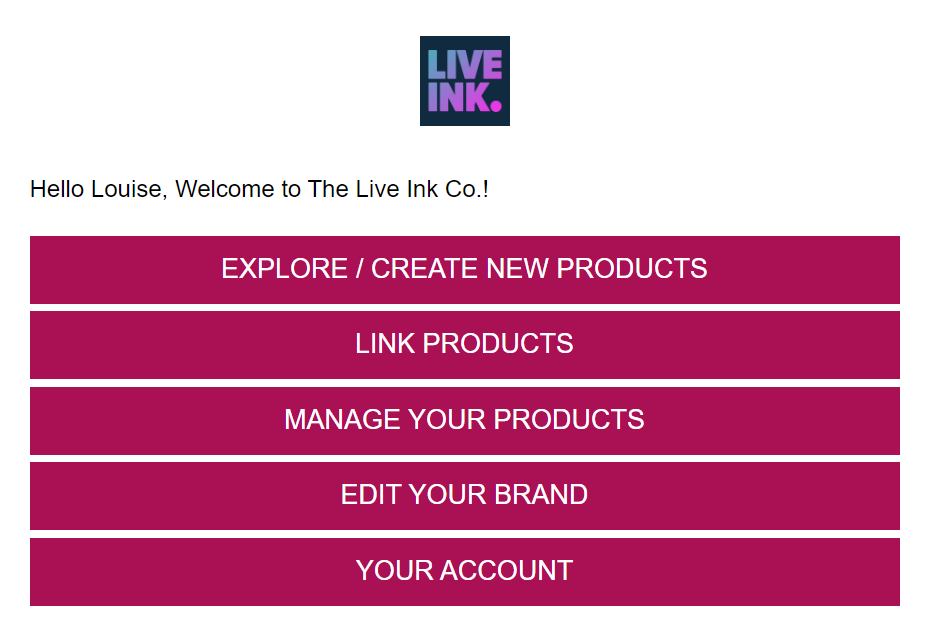
Via Shopify: Log in to your Shopify Admin, go to Apps, and open the Live Ink app. From the welcome screen, click the "Link Products" button.
-
Via Live Ink Account: Log in to your Live Ink account, go to the Shopify integration page, and click "Manage Shopify product."
Step 2: Select the Product to Edit
-
Locate the product you want to add a label to from your list of synced items.
-
Click the "Edit" button next to that product.
Step 3: Assign the Brand and Label
-
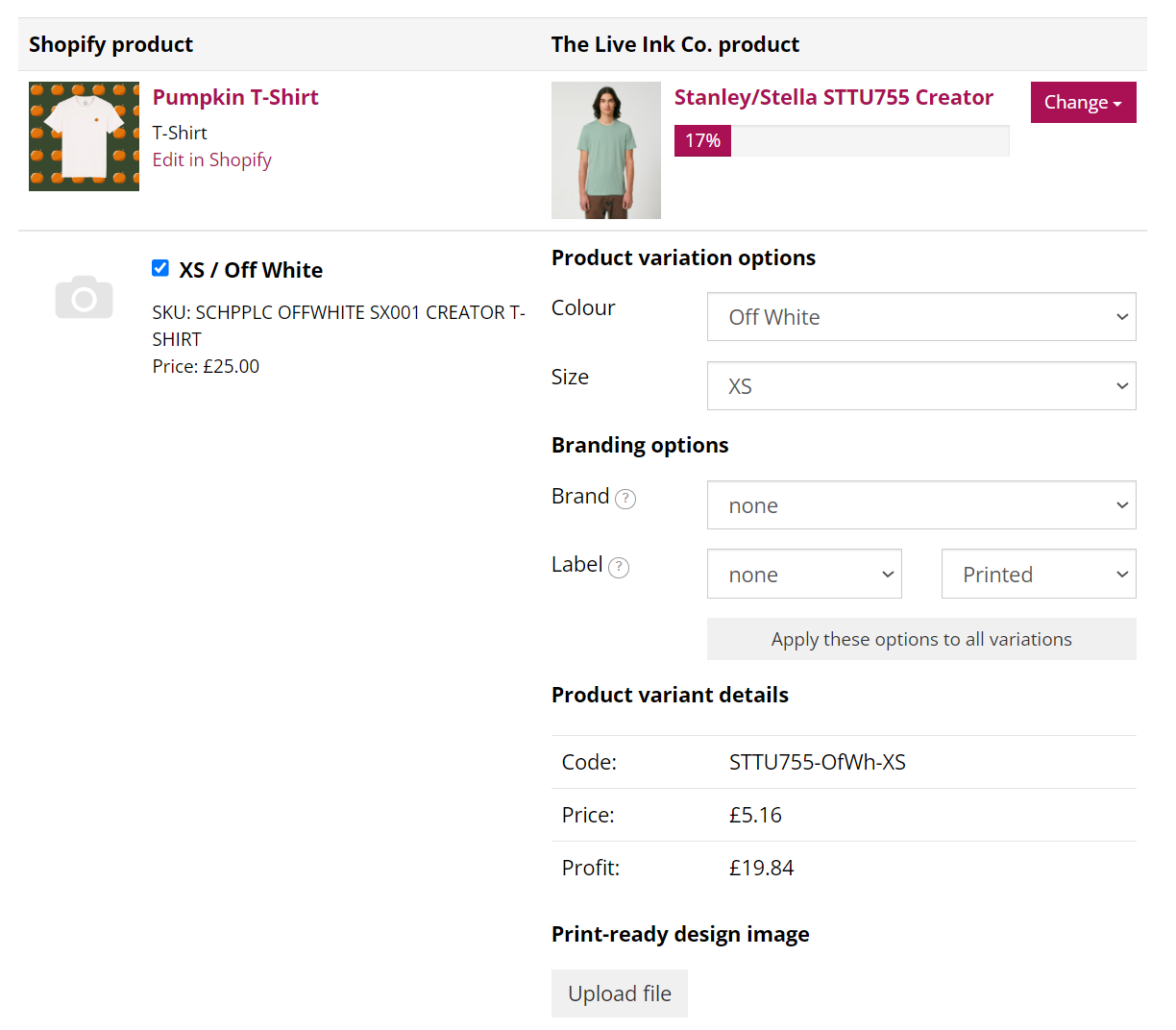
Look at the Live Ink Product column (next to your Shopify variant details).
-
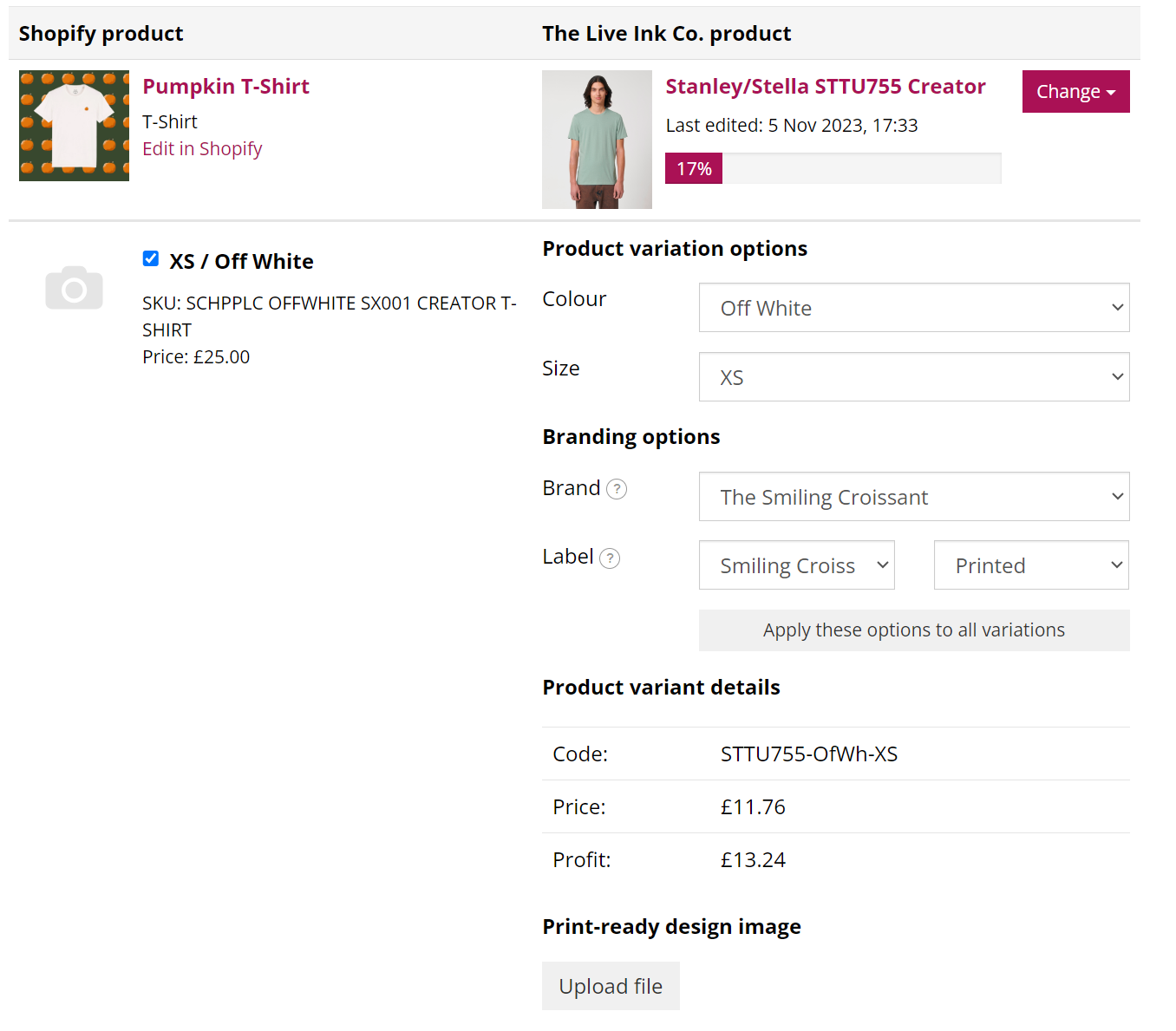
Find the Brand drop-down menu and select your brand.
-
Once the brand is selected, the Label drop-down menu will populate with the labels you uploaded to your profile.
-
Select the specific label you want to apply to the product.
Step 4: Apply to All Variants
-
You can repeat this process for each variant (size/color) listed on the page.
-
Important: Ensure the label you choose is suitable for the garment color. For example, do not assign a black label design to a black t-shirt, as it will not be visible.
-
If your labels include specific garment sizes, double-check that the label size matches the variant size (e.g., a "Medium" label for a "Medium" shirt).
Step 5: Save Your Changes
-
Once you have assigned the correct Brand and Label to all desired variants, scroll to the bottom of the page.
-
Click the "Save" button.
-
Your products are now updated, and any future orders for these items will include the printed inside neck label.
Important Notes:
-
Availability: Only products that support neck printing will display the Label option. If you don't see it, that specific garment likely cannot be relabeled.
-
Cost: Adding a DTG printed label typically adds a small additional fee (approx. £1.50) to the total production cost of the garment.
-
Contrast: Remember that you cannot print white ink on white garments or black ink on black garments. You should have at least two versions of your label (one light, one dark) to cover all garment colors.